Style Reference Prompting: How to Lock a Visual Identity Across an Entire Campaign in 2026
Style Reference Prompting: How to Lock a Visual Identity Across an Entire Campaign in 2026
If 2025 was the year AI image quality crossed the "good enough to ship" line, 2026 is the year the bar moved to consistency. A single hero shot doesn't carry a brand anymore. A campaign needs ten of them — same palette, same grain, same emotional register — and the subject in each one is different. That's the problem style reference prompting is built to solve, and it's the technique we get asked about almost daily.
We've written before about reference image prompting for keeping the same character across generations. This post is about a related but distinct skill: keeping the same look across generations, even when the subject is changing every time. The difference is what your reference is anchoring — identity vs aesthetic — and it changes how you build the prompt.
What style reference prompting actually does
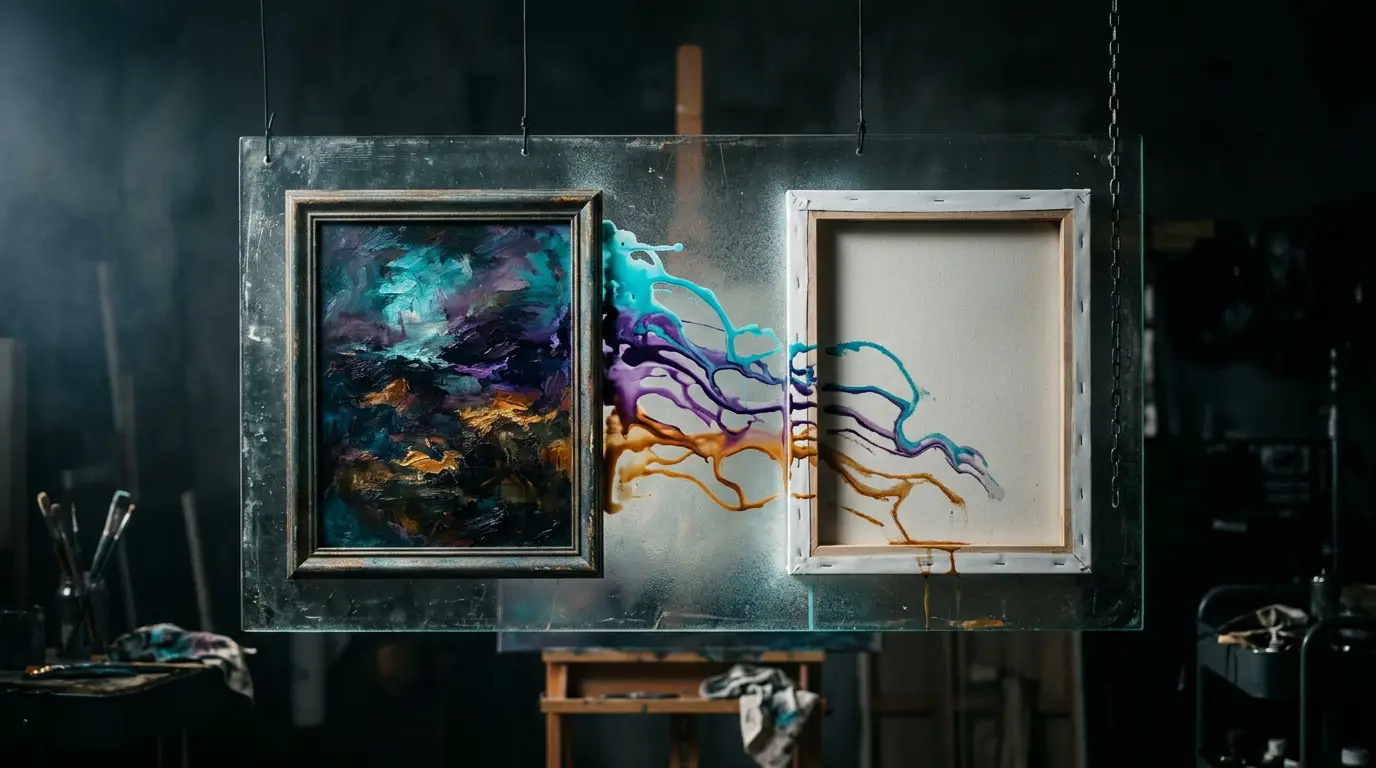
Style reference prompting means feeding a model one or more images whose aesthetic you want extracted — palette, lighting, grade, texture, era — while the subject of the new image comes from your text prompt. The reference is a mood board, not a cast list.
Think of every image as having two payloads stacked on top of each other:
- Subject payload — what's in the frame. The person, the product, the scene.
- Style payload — how it feels. Lighting direction, color grade, lens character, film stock, grain, decade, mood.
In reference image prompting for characters, you're locking the subject payload. In style reference prompting, you're locking the style payload and letting the subject change. The 2026 models are finally good enough to keep those two payloads separated cleanly — but only if you tell them which one to extract.
Pro tip: A reference image always carries both payloads. If you don't explicitly tell the model "match the lighting and color of this reference, not the subject," it will often try to copy the subject too. Be specific about what to extract.
Pick the right reference
Most style consistency failures happen at the reference selection step, before any prompt is written. A few rules we use:
- One strong style frame beats ten mediocre ones. Pick the single image that most clearly carries the look you want. The model averages references; noisy averages produce mush.
- Strip the subject if you can. A reference dominated by a face will leak that face into your generations. If the look is "soft warm golden hour with film grain," a landscape or interior shot at that golden hour is a cleaner style anchor than a portrait shot at it.
- Match the format. Don't feed a vertical reference if your output is 16:9. The model interprets the framing as part of the style. We talk more about format-aware prompting in our
reframeguides. - Mind the era. A reference from a specific decade —
1970s Kodachrome,early-2010s Instagram filter,'90s music video VHS bleed— gives the model a much sharper target than "vintage."
If you can, build a small library of style references — three to five frames per "brand vibe" you ship in regularly. Treat them like a brand kit. Once they're locked, you stop reinventing the look every Monday.
The 2026 Higgsfield style stack
A quick map of which models we reach for, depending on the job.
nano_banana_2— our default for general image generation when a style reference is feeding into a wholly new subject. Handles style transfer cleanly without copying subject features.nano_banana_flash— same family, faster. We use it for first-pass exploration when we're testing whether a reference even carries the look we hoped.soul_2— when the new subject is a person and you need portrait-grade realism that still inherits the reference's grade and lighting.soul_cinematic— when the reference is a still from a film or film-adjacent look. It reads cinematography references especially well.soul_location— when the reference is environmental — interiors, landscapes, urban scenes — and you want the location grammar extracted, not just the color.seedream_v4_5— strong on stylization with reference. Useful when you want a more painterly or graphic translation of the source look.flux_kontext— when you need surgical control over which parts of the reference style get applied and which don't.
For video, seedance_2_0 accepts a style frame alongside text and other references, and cinematic_studio_3_0 is the one we use when a film grade is the look we're chasing across an entire shot list.
Prompt structure that actually holds the style
The mistake we see most: people drop a reference in, write a one-line subject prompt, and hope. The model has no idea what role the reference is supposed to play. Here's the structure we use instead.
Layer 1 — Declare the role
Open with a sentence that tells the model what to extract from the reference. Examples:
- "Match the color grade, film grain, and overall lighting mood of the reference image."
- "Inherit the reference's palette and atmospheric quality — fog, soft contrast, muted highlights — but do not copy any subject or composition."
- "Use the reference only as a style anchor for lighting direction and texture."
This single sentence does more than the next ten lines of prose.
Layer 2 — Describe the new subject in subject-only language
This is where your text prompt earns its keep. Be specific about the subject, the action, the framing — but say nothing about the look. The reference is handling that.
Bad: "A woman in a vintage 70s warm-grain Kodachrome golden hour kitchen."
Better: "A woman pouring coffee at a kitchen counter, three-quarter angle, mid-morning, looking off camera." (The 70s Kodachrome warm-grain golden hour is coming from your reference image, not your text.)
Layer 3 — Negative cues for style bleed
This is where most creators stop, which is why their generations drift. Add a short negative or constraint line that tells the model what not to inherit from the reference. Examples:
- "Do not copy the subject, composition, or facial features of the reference."
- "Ignore the reference's framing — use the framing described in this prompt."
We covered the general logic of negative prompting in our recent guide. For style references specifically, the negatives are about subject leakage.
Layer 4 — Format & technical params
Aspect ratio belongs at the top level of params, not nested. Resolution and quality (where supported) go under params.params. Keep these consistent across a series — even a small ratio change can shift the model's interpretation of the reference.
A worked example
We were building a six-image set for a coffee brand last week. The brief: same warm mid-century film look across six different scenes (kitchen, café, office, train commute, park bench, late-night desk). One model, one style reference, six prompts.
The style reference was a single frame from a 1972 film — warm amber highlights, slight cyan in the shadows, fine film grain, soft falloff lighting, no people in the frame at all.
Each prompt followed the same template:
Match the color grade, lighting mood, and film grain of the reference image — warm amber highlights, cool shadows, soft falloff, gentle grain. Do not copy the reference's subject or composition. Subject: [varies — "a hand pouring coffee from a moka pot", "a man reading a newspaper at a café window", etc.] Framing: medium close-up, three-quarter angle, eye level. 16:9.
Six generations on nano_banana_2 with that template, the same single style reference fed each time, and the look held across every frame. Without the explicit "do not copy the reference's subject" line, the first two tries kept generating men reading newspapers, because that was the closest subject the model could pattern-match from the prompt. Once the negative was in, the subjects diverged and the look stayed locked.
What's coming next
The interesting frontier is multi-reference style stacking — feeding two or three style frames that together describe a look (one for color, one for grain, one for lighting direction). The newest video models already accept a dozen assets per generation, and image models are catching up. The skill there is splitting your look across references that each carry one job, instead of asking one image to do everything.
For now, the rule is simple: one clean style reference, explicit roles in the prompt, subject described in subject-only language, and a negative line to prevent bleed. That's the 2026 baseline for shipping a campaign that looks like one campaign instead of a yard sale of one-offs.