Director-Mode Prompting: How to Get the Most Out of Seedance 2.0
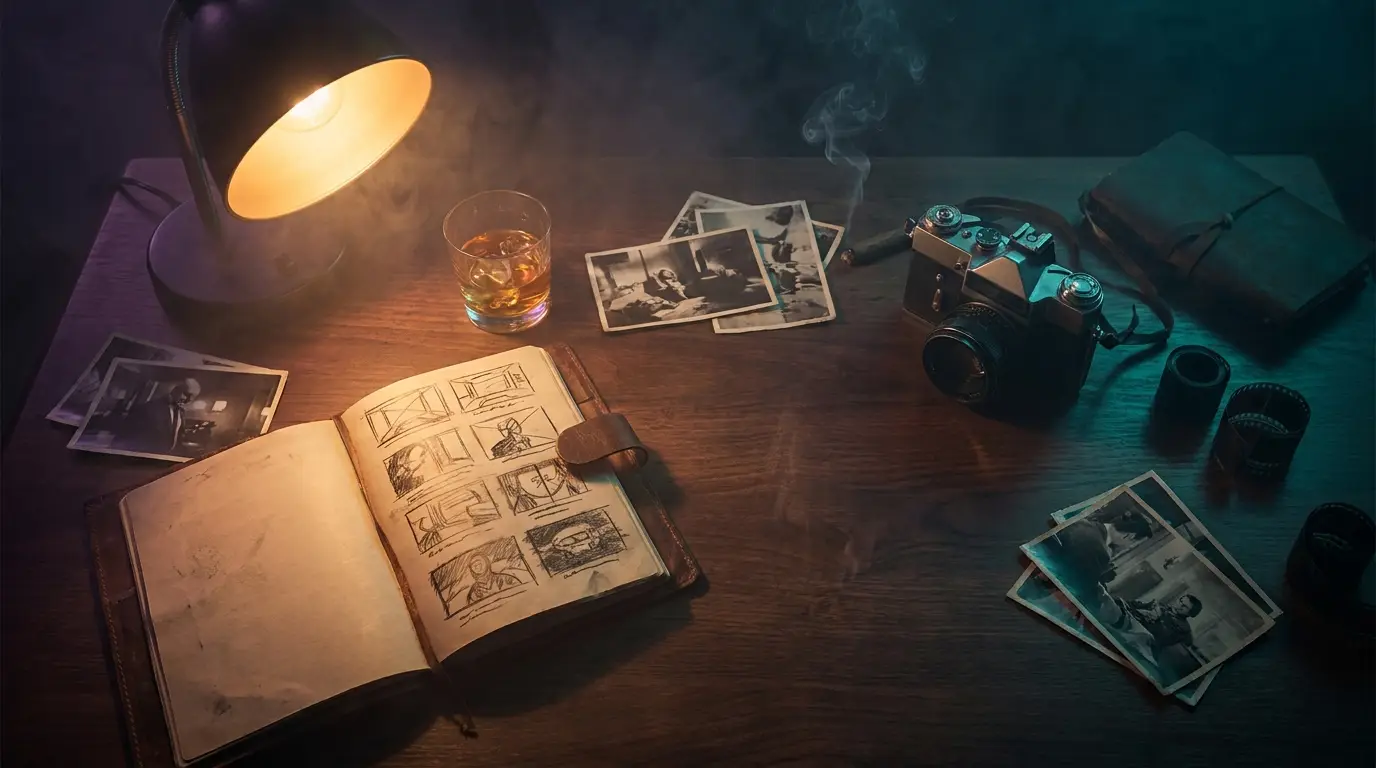
Director-Mode Prompting: How to Get the Most Out of Seedance 2.0
If your Seedance 2.0 outputs look great half the time and slightly cursed the other half, the model is rarely the problem. The fix is almost always how you're writing the prompt. We've spent the last three weeks running seedance_2_0 through hundreds of generations on the PromptVerse pipeline, and a clear pattern emerged: the prompts that work don't read like image prompts — they read like director's notes. This is your Seedance 2.0 prompting guide for the way the model actually behaves in May 2026.
A quick reminder of what we're working with: Seedance 2.0 is ByteDance's flagship video model, available globally through Higgsfield since early April. It ships with native audio-visual sync, director-grade camera control, and the kind of motion stability that actually holds character identity for a full eight seconds. It's also the most prompt-sensitive video model in the current Higgsfield lineup — which is exactly why this matters.
Stop writing image prompts. Start writing shot lists.
The single biggest mental shift: a Seedance 2.0 prompt is a shot, not a scene. Image-model prompting trained us all to pile up adjectives — "cinematic, hyper-detailed, 8k, golden hour, masterpiece" — and trust the model to figure out the rest. That habit actively hurts you here.
Seedance 2.0 reads prompts as instructions to a crew. Vague verbs become muddy motion. Ambient adjectives compete with motion description for the model's attention budget. The fix is to write like you're talking to a DP and an actor at the same time:
- Bad: "A woman dances in a neon-lit Tokyo alley, cinematic, beautiful, masterpiece."
- Better: "Medium shot. A woman in a black silk slip turns slowly toward camera, her right hand brushing hair behind her ear as she steps forward. Wet pavement reflects pink and cyan neon. Camera pushes in 30cm over two seconds."
Notice what changed: specific framing, specific actions in sequence, specific environmental detail, specific camera move, specific timing. That's a director's brief. The model rewards it.
The four-block structure that just works
After enough trial and error we settled on a four-block structure for any Seedance 2.0 prompt longer than a sentence. You don't need labels — the model doesn't read XML — but writing in this order keeps you honest:
- Frame & subject. What's the shot type, who's in it, what's the dominant composition?
- Action sequence. What does the subject do, in beats, across the clip's duration?
- Environment & light. Where is this happening, what's the time of day, what's the dominant color story?
- Camera & lens. Static or moving? Push, pull, dolly, handheld? Wide or tight?
Run that template on the prompt above and you can see the pieces snap into place. Start dropping any of the four and you'll feel the quality drop immediately.
Specific verbs beat fancy verbs
Seedance 2.0 has a quiet preference for continuous, executable actions over abstract verbs. "Walks" is fine. "Saunters" is worse. "Dances" is the worst — it tells the model nothing about what limbs do when. The trick is to break a vague verb into a sequence of physical micro-actions:
- Instead of "she dances": "raises arms above head → rotates wrist outward → lowers chin → steps left in time with the beat"
- Instead of "he reacts": "eyes widen slightly → mouth opens → leans forward two inches → blinks twice"
- Instead of "the city pulses": "window lights flicker on in sequence across three buildings → traffic accelerates left to right → camera tilts up"
You're trading poetry for stage directions. It feels less artful while you write it. The output is dramatically more coherent.
Use Seedance 2.0's audio-visual sync intentionally
This is the feature most creators are still leaving on the table. Seedance 2.0 generates audio natively alongside the video, not as a post-process — which means you can drive motion to the audio if you brief it that way. Three patterns we use constantly:
- Ambient layer: "Soft room tone, distant city traffic, occasional pigeon coo from off-camera right." This grounds the shot in space.
- Foley anchor: "A coffee cup is set down on a wooden table at second 2; the sound is crisp and immediate." Anchoring foley to a specific timestamp gives the model a beat to hit.
- Beat-locked motion: "The action rhythm syncs to a slow R&B beat at 84 BPM; her steps land on the downbeat." Pair this with a reference audio upload and you get tightly choreographed cuts.
Pro tip: when callingseedance_2_0(or any video model on Higgsfield, really) always passparams: { generate_audio: true }. The platform default isfalseand a silent video is one of the easiest ways to waste credits.
Negative prompts are still underused
Seedance 2.0 honors negative constraints better than most of the current crop, and most creators just... don't use them. A short negative block at the end of your prompt cleans up an enormous amount of low-frequency weirdness:
- "No extra fingers, no morphing limbs, no text overlays, no logos, no watermarks, no abrupt cuts, no warped faces."
Keep it short and specific to the failure modes you actually see. A bloated negative prompt is just as confusing as a bloated positive one.
When to switch models (and stop fighting Seedance)
Seedance 2.0 is excellent, but it isn't the right tool for every shot. From three weeks of production use, here's our quick decision tree on the Higgsfield stack:
- Need long, narrative motion with audio?
seedance_2_0. This is its zone. - Need prestige cinematography from a still?
veo3(image-to-video required) orveo3_1for text-to-video. - Need unified generation + editing in one pass?
kling3_0is the new omni architecture and it's startlingly good at multi-shot scenes. - Need fast iteration on a quick concept?
seedance_1_5orwan2_6are cheaper and turn around faster. - Just need a stunning still as a Seedance keyframe?
nano_banana_2is our default — it's more reliable thanflux_2and the compositions hold up under motion.
Switching models when a prompt isn't landing is much faster than rewriting the same prompt for the fifteenth time.
A copy-paste template you can steal
Here's the template we've been using for the bulk of PromptVerse's recent video drops. Replace the brackets and you'll get a usable Seedance 2.0 brief on the first shot more often than not.
``` [Shot type] of [subject], [primary action] as [secondary action]. The setting is [location] at [time of day], lit by [light source] in a palette of [two or three colors]. Camera [static / pushes in / pulls back / tracks left] over [N] seconds. Audio: [ambient layer] plus [specific foley moment at timestamp]. Style: [reference word, e.g. editorial, cinéma vérité, Wong Kar-wai].
Negative: no extra fingers, no morphing limbs, no text, no logos, no warped faces, no abrupt cuts. ```
It's not glamorous. It's a worksheet. But the difference between treating Seedance 2.0 like an image model and treating it like a film crew shows up in the first generation, and it compounds for every clip after that. Director-mode prompting isn't a hack — it's just the way the model wants to be talked to.
Try the template on three prompts this weekend. We'd bet your hit rate doubles.