Higgsfield Start & End Frames: Storyboard Your AI Videos in Two Images
Higgsfield Start & End Frames: Storyboard Your AI Videos in Two Images
For most of the last year, generating AI video felt like rolling dice with cinematic intent. We'd write a prompt, hope the model interpreted "the camera dollies left while the rain intensifies" the way we meant it, and either keep the take or burn another generation trying to nudge it back on course. Higgsfield Start & End Frames, the storytelling feature that rolled out across the platform in May 2026, is the first credible answer to that workflow problem we've actually used in months.
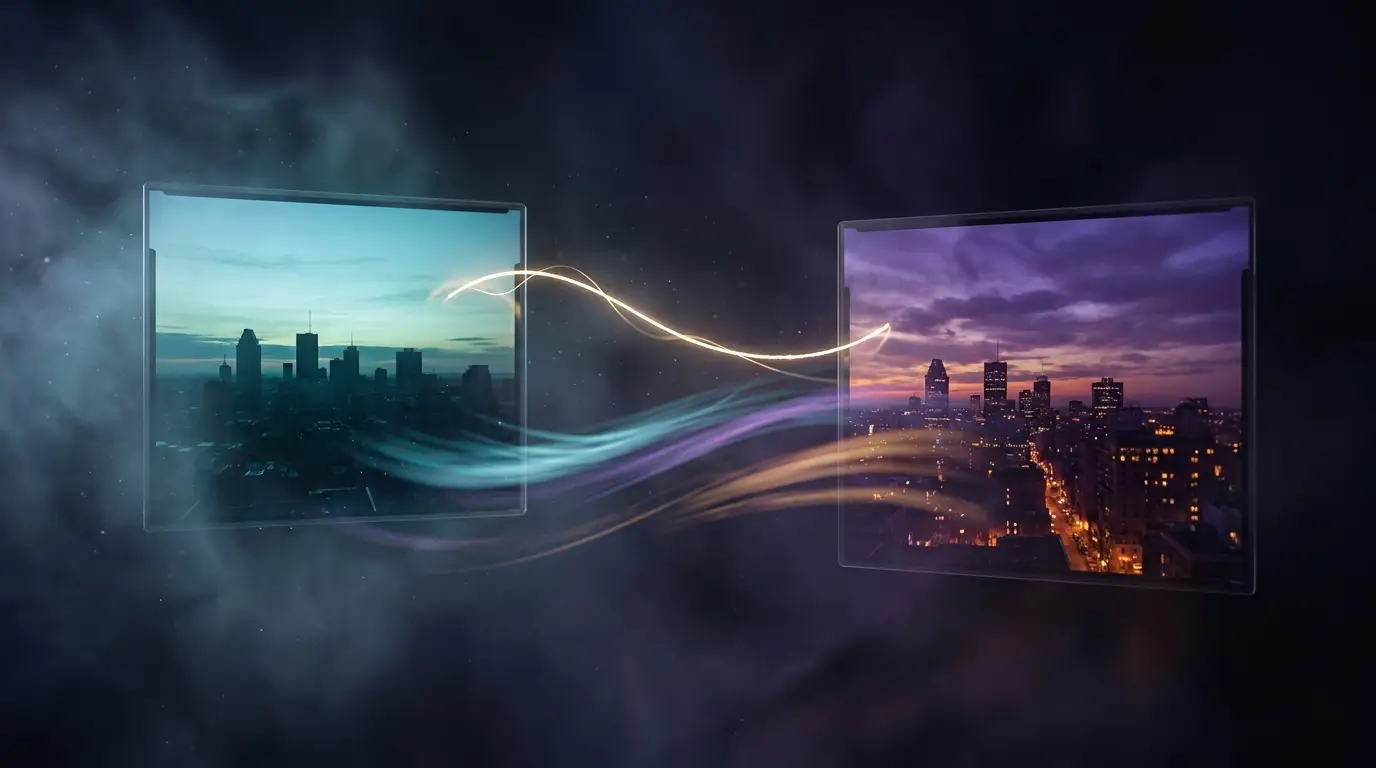
The premise is simple to the point of being obvious. Instead of describing the whole shot in text, you upload the first frame and the last frame of the clip you want, and Higgsfield generates the in-between motion. We've spent the past few days running it through every shot type our team usually pays for in stock footage, and it changes how we think about pre-production for AI video.
What Higgsfield Start & End Frames actually does
Start & End Frames is a feature inside the Higgsfield video generator that supports a handful of the platform's premium video models — at the moment, our reliable picks are kling2_6, kling3_0, and seedance_2_0. You bring two images: a beginning state and an ending state. The model interpolates a coherent motion path between them, including camera movement, character pose changes, lighting shifts, and on-screen action.
This is a different mental model from text-to-video. With a single text prompt, you're asking a model to invent the entire arc. With Start & End Frames, you're asking it to interpolate between two known points. Interpolation is a much narrower problem, and it shows in the output: shots feel like they're going somewhere because they actually are.
Pro tip: treat your end frame like a payoff. The strongest clips we generated had a clear because between the two images — sunlight breaking, a character finishing a turn, an object landing. If your end frame is just a slightly different angle of the start frame, the model will still oblige, but the result reads as drift, not motion.
Why Start & End Frames changes our workflow
For our PromptVerse production pipeline, the practical wins land in three places.
Storyboarding finally maps to generation. Until now, the storyboard-to-prompt step has been lossy. We'd sketch the beats of a scene, then translate every panel into prose and accept whatever the model gave back. With Start & End Frames, the storyboard panels are the input. We've started briefing artists to deliver paired images for each beat instead of single keyframes, and the difference in shot consistency across a sequence is night and day.
Multi-shot continuity works without LoRAs. A persistent headache with text-to-video has been keeping a character looking like the same person across cuts. Reference images help, but they aren't a guarantee. By feeding the previous shot's last frame as the next shot's start frame, you get a clean visual handoff — same face, same wardrobe, same lighting, same world. We've stitched four-shot sequences this week that look like one continuous take.
Re-rolls cost less. When a generation misses, you usually only need to swap one of the two anchor images, not rewrite the whole prompt. Bad ending? Generate a new end frame in nano_banana_2, drop it back in, regenerate the clip. The diagnostic loop is faster because the failure point is more legible.
The five-shot starter pack
Here are the shot types we keep coming back to with Start & End Frames. Steal them.
- The reveal. Start frame: a subject in shadow. End frame: the same subject in full light. The model fills in the lighting transition, often with realistic shadow falloff and atmospheric particles.
- The arrival. Start frame: empty environment. End frame: the same environment with a character now present in the foreground. Great for entrances, drops, and "and then they appeared" moments.
- The transformation. Start frame: object intact. End frame: object changed (broken, blooming, weathered, painted). Works best with
seedance_2_0because it handles texture transitions more gracefully than the Kling models in our tests. - The push-in. Start frame: wide shot of a scene. End frame: close-up on a single detail in the same scene. The model usually invents a believable dolly path. Set
aspect_ratioto16:9to keep the framing cinematic. - The dissolve-in-place. Start frame: location at one time of day. End frame: same location later. Works as a mood-setter for opening titles or transitions in a longer edit.
What still trips it up
It's not magic. Some honest caveats from our generations this week:
- Wildly different start and end frames produce mush. If your two anchors don't share location, character, and approximate framing, the model has to invent too much, and you get morphing artifacts. Keep the deltas focused on one or two variables: lighting or pose or position, not all three.
- Audio is a separate concern. Remember that on Higgsfield, video generations need
params: { generate_audio: true }to produce sound — the default is silent. Easy to forget when you're focused on the visual side. - End-frame fidelity drops on long durations. At 5–6 seconds the end frame matches almost exactly. Push to 10 seconds and the model sometimes "lands" close to but not on the target image. Plan your edit assuming the final half-second is interpretive.
- Camera-move freedom is limited. Because the model is constrained by your two anchors, you can't ask for a wild orbit if your start and end frames are both static eye-level shots. If you want a complex camera path, design it into the anchor framing.
How to brief Start & End Frames properly
A few prompt-craft notes from our week of testing that don't show up in the docs.
Generate both anchors with the same image model. Mixing a nano_banana_2 start frame with a seedream_v4_5 end frame technically works, but the two anchors carry different texture biases and the in-between motion sometimes flickers between them. Stick to one image model per clip.
Match aspect ratio across both anchors. Sounds obvious, but cropping a 4:3 reference to fit a 16:9 video means losing edge information that the interpolation pass needs. Generate both images natively at the target ratio.
Write a short text prompt anyway. Start & End Frames isn't text-free — there's still a prompt field, and the model uses it as a hint for the motion. We get our best results with a single sentence describing the transition, not the shot. "Camera slowly pushes in as light rises from cyan to warm gold" beats a paragraph re-describing the start frame.
Use the seed control. When you find an interpolation you like, lock the seed before iterating on the prompt. Otherwise you'll spend three generations chasing a vibe you already had.
Where Start & End Frames fits in the broader video stack
The tool nobody is admitting to needing is the one that turns AI video from a slot machine into a craft. Veo 3.1 Lite gave us better shot quality at a price our weekly pipeline could absorb. Sora's exit cleared room for the multi-model platforms. Start & End Frames is the workflow primitive that ties them together — once your storyboard is two paired images per beat, you can route each beat to the right model (kling3_0 for stylized, seedance_2_0 for live-action realism, wan2_7 for stylized motion) and assemble the sequence from clips you actually meant to make.
For creators who've been waiting for AI video to feel less like a slot machine and more like an editing suite, Higgsfield Start & End Frames is the most concrete step we've seen all year. The feature is live right now in Higgsfield. If you've got a storyboard sitting in a notebook, this weekend is a good one to test it.